Opera
Opera is a free web browser for Windows from Opera Software. The stable release is 136.0.6008.22, published on 17 September 2026.
133.1 MB

Brave is a free, open-source, privacy-focused web browser built on Chromium, with ad and tracker blocking turned on by default.
Average 0.0 · ratings: 0
Thank you! Your rating is saved; you can change it. Could not save the rating. Please try again later. Too many ratings from your network today. Please try again tomorrow. The average appears after 5 ratings.
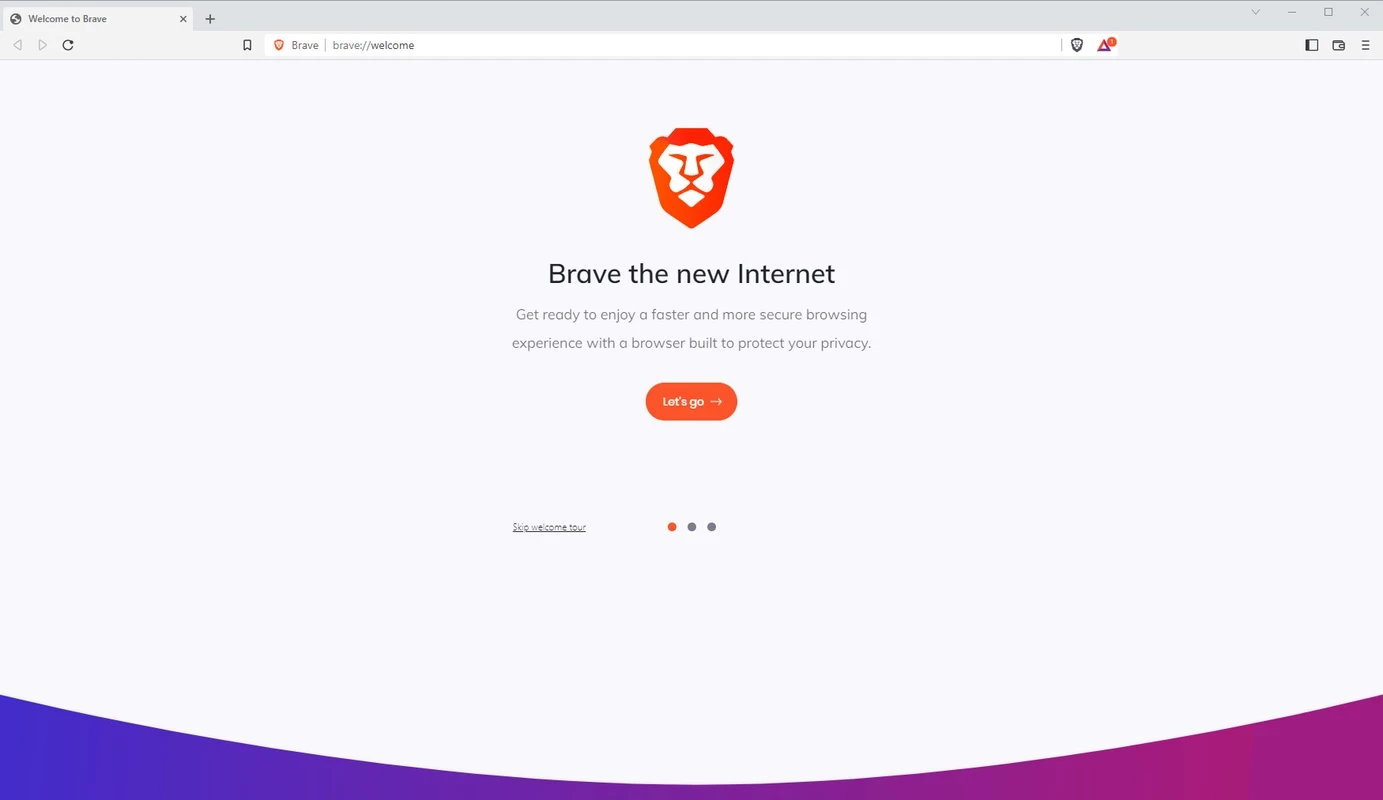
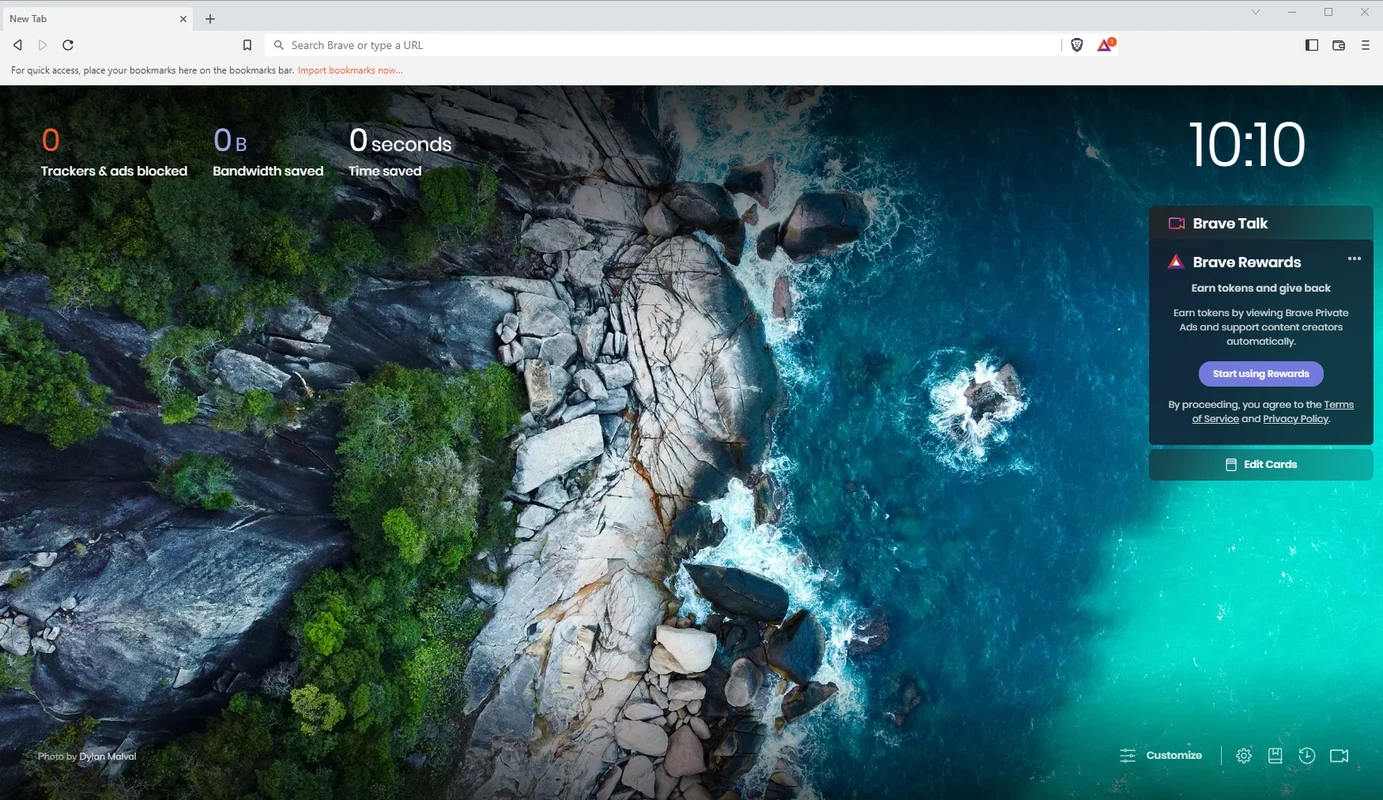
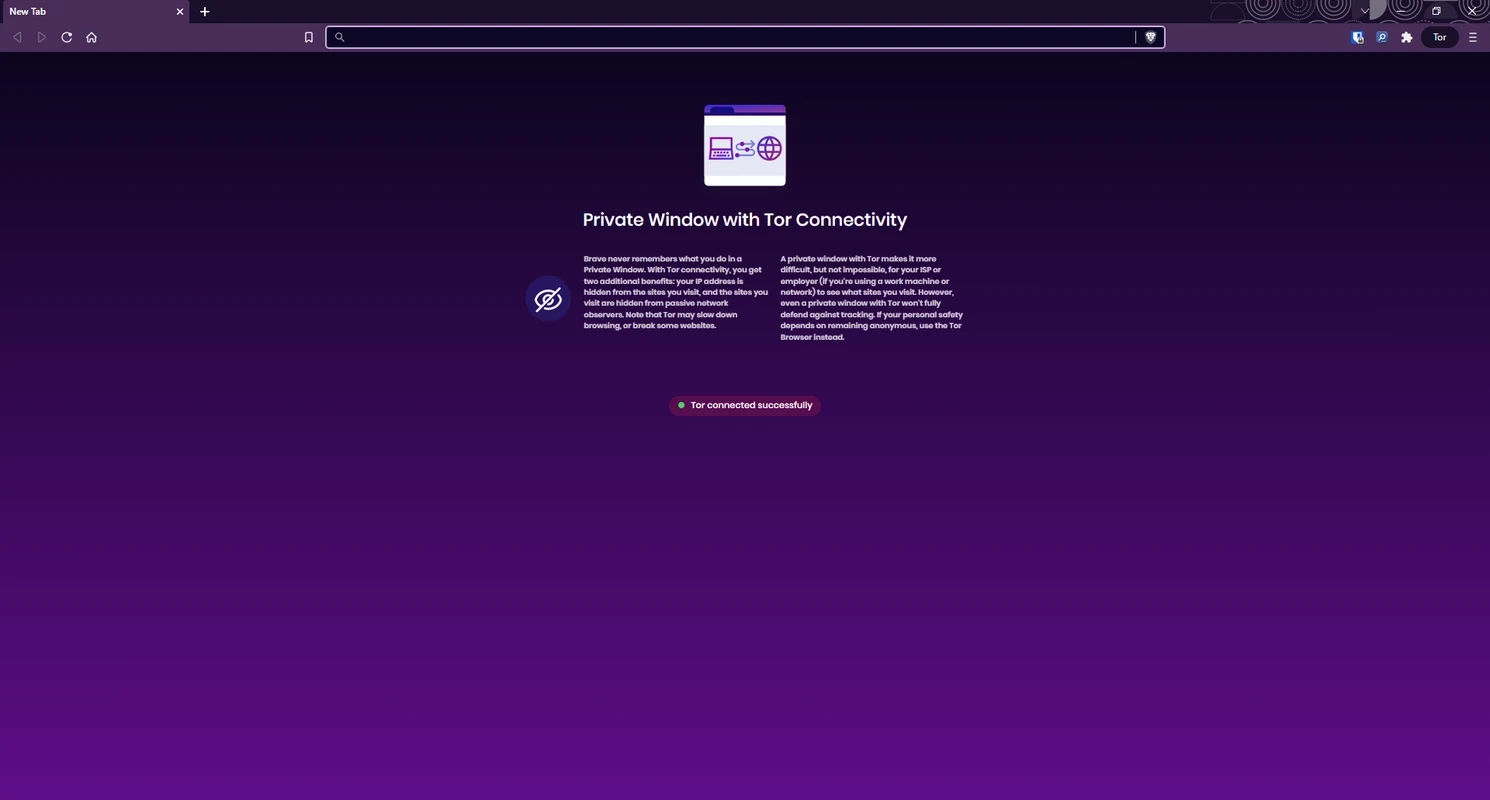
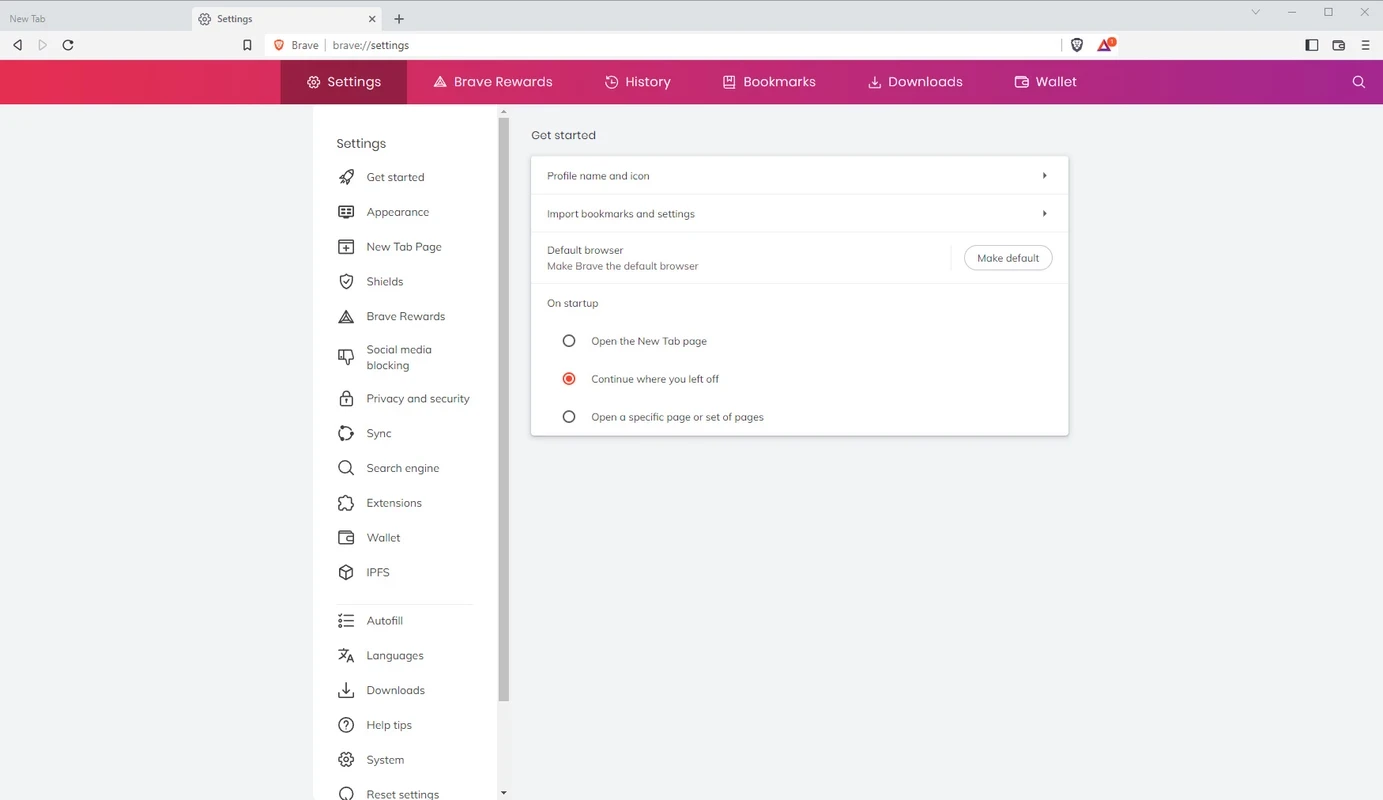
Brave Browser 1.96.59 for Windows gives you Brave Software's free and open-source privacy-focused web browser, and you can download it from brave.com. Brave is built on Chromium and blocks ads and trackers out of the box, so pages load without most of the clutter.
Brave was created by Brendan Eich and first released on 20 January 2016. It appeals first of all to people who are tired of ads and tracking but do not want to hunt for extensions and tweak settings. Out of the box it hides most ads, cookie trackers and fingerprinting scripts, which also makes pages lighter on slow connections and laptop batteries. It suits anyone moving from Google Chrome who wants a familiar interface and support for Chrome extensions, since both browsers share the Chromium base. Privacy-minded users also appreciate that these protections apply everywhere, not only in private windows. If you rely on websites that refuse to work with blockers, or you prefer a browser with fewer built-in extras, you may find yourself switching Brave's shields off for some sites.
Release notes for every version are published on brave.com/latest, and the code is on GitHub.
Brave supports current 64-bit and 32-bit x86 systems and ARM, and runs on Windows, macOS, Linux, Android and iOS. A recent, updated Windows installation is enough.
During setup Brave offers to import bookmarks, saved passwords and history from Chrome, Edge or Firefox, so the move takes minutes. Your Chrome extensions can be reinstalled from the Chrome Web Store. Give the default shield settings a week; most people find they rarely need to change them, and you can always relax them for a single site.
Download only from brave.com. Look-alike sites that offer "Brave with extra rewards" are scams. Check the shield settings: the default level is a good balance, while the aggressive level can break some sites.
The browser is free. Optional paid services, such as a VPN, are sold separately and are not required.
Firefox, Google Chrome, Opera, LibreWolf and Mullvad Browser are Windows browsers in the same category, with different takes on privacy.
Opera is a free web browser for Windows from Opera Software. The stable release is 136.0.6008.22, published on 17 September 2026.

UC Browser for Windows is the desktop version of the web browser from UCWeb, a Chinese mobile internet company.

Google Translate is Google's multilingual machine translation service, used on Windows through the website and a browser extension.

Microsoft Edge is Microsoft's web browser, preinstalled on current Windows versions and available as a free download for reinstalling or updating.

Mozilla Firefox is a free and open-source web browser developed by Mozilla, available for Windows, macOS, Linux, Android and iOS.

Google Chrome is the free web browser from Google. The stable Windows release is 154.0.8037.58, out since 22 September 2026.

Cent Browser is a free Chromium-based browser for Windows from Cent Studio that adds mouse gestures, tab tweaks and other power-user options.