Microsoft Edge
Microsoft Edge for Android is Microsoft's mobile web browser, syncing favourites, passwords and tabs with Edge on your Windows PC.
252.5 MB

1.95.104 · Brave Software · Page updated
Brave for Android is a free, open-source browser from Brave Software that blocks ads and trackers by default and is built on Chromium.
Average 0.0 · ratings: 0
Thank you! Your rating is saved; you can change it. Could not save the rating. Please try again later. Too many ratings from your network today. Please try again tomorrow. The average appears after 5 ratings.
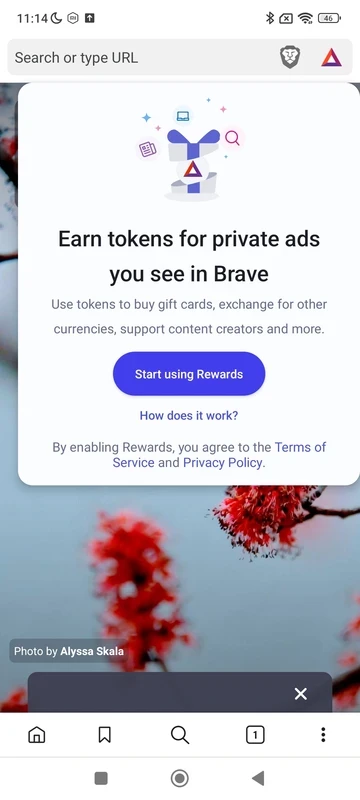
Brave Browser 1.95.104 for Android is the latest stable release of Brave Software's privacy-focused browser, published on 18 September 2026, and you can download it free from Google Play. It blocks ads and trackers by default. Here are answers to the questions people ask before switching.
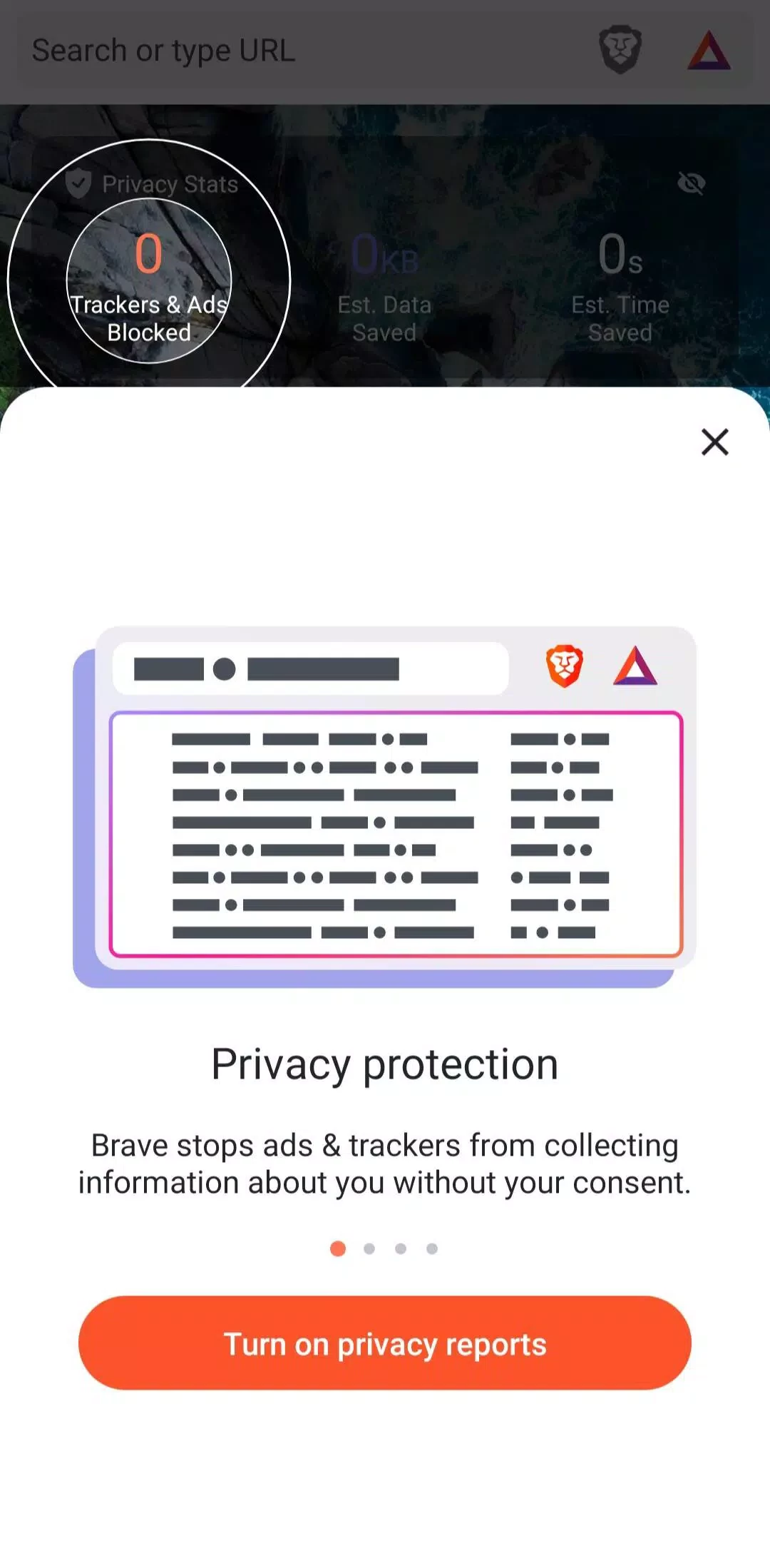
Brave is a free and open-source web browser based on Chromium, created by Brendan Eich and first released in January 2016. On a phone its main selling point is immediate: web pages show far fewer ads and pop-ups, and many trackers are stopped before they load. That saves mobile data, speeds up heavy news sites and reduces the number of companies that can follow you from page to page. Beyond blocking, Brave behaves like any modern mobile browser, with tabs, private tabs, bookmarks, a password manager and a choice of search engines. It can also sync with Brave on your computer. Brave's optional extras, such as a crypto wallet and rewards for viewing privacy-respecting ads, can be ignored entirely.
All platforms are linked on the official download page, and changes are in the release notes.
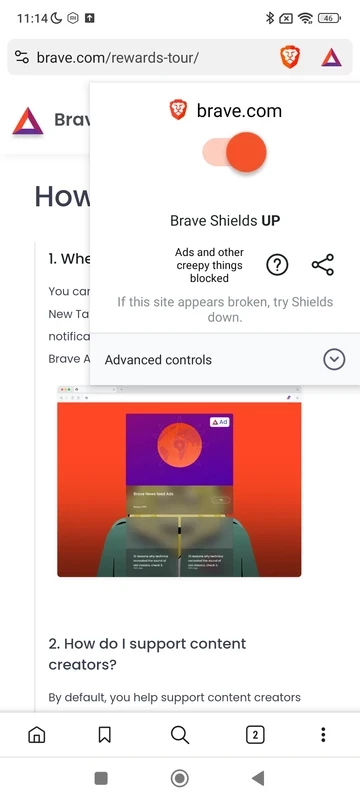
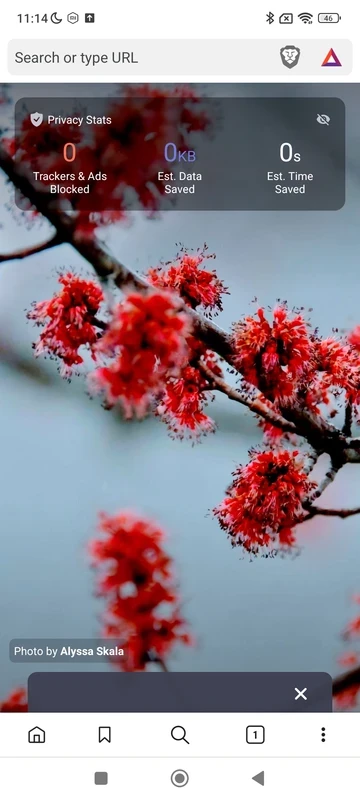
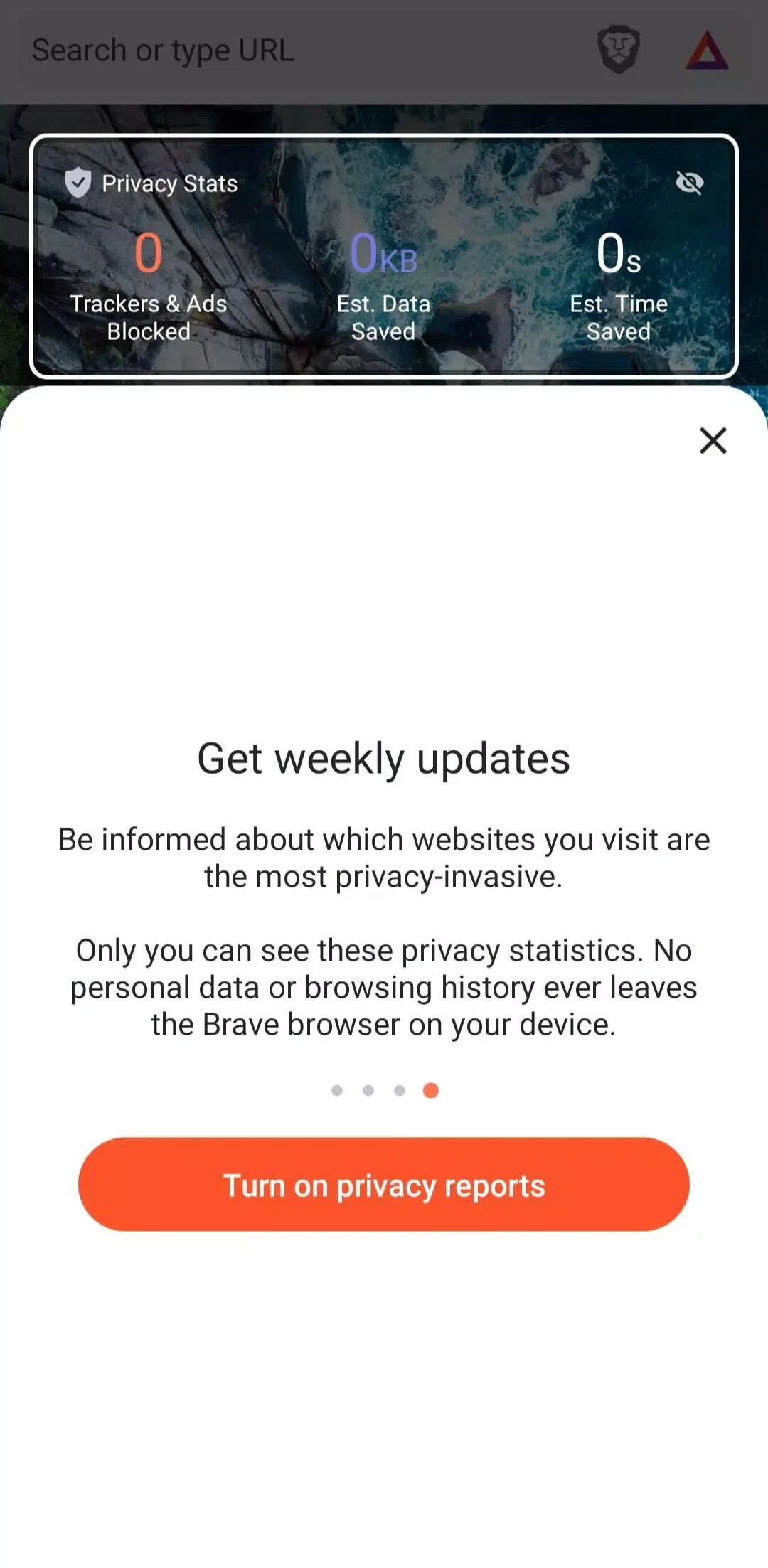
Tap the lion icon in the address bar. The shield panel shows how many items were blocked on the current page and lets you switch protection off for that site if something does not work.
Yes. Open the sync settings on the computer, create a sync chain and scan the code with the phone. Bookmarks, passwords and settings then stay in step between devices. Keep the sync code private, since anyone who has it can join the chain.
Google Play checks compatibility for you. The file size is about 93.91 MB according to catalogue data; keep some storage free for cache.
Yes. The browser is free, and its source code is open under the Mozilla Public License 2.0. Some optional services, such as a VPN, are paid.
The Google Play version from Brave Software is. Avoid modified APKs that promise extra rewards: they are unofficial and may steal data. Keep the app updated, as Chromium security fixes arrive through regular releases.
Firefox, Google Chrome, Opera, Microsoft Edge and Samsung Internet Browser are Android browsers in the same category.
Microsoft Edge for Android is Microsoft's mobile web browser, syncing favourites, passwords and tabs with Edge on your Windows PC.

Firefox for Android is Mozilla's free, open-source mobile browser with tracking protection, add-ons and sync with Firefox on your computer.

Opera Mini is a free mobile browser from Opera for Android, designed for phones with slow connections and limited mobile data.
Google Chrome for Android is Google's web browser for phones and tablets, with tabs, bookmarks and passwords synced to your Google account.

Samsung Internet is a free Chromium-based web browser for Android developed by Samsung Electronics, preinstalled on Galaxy phones.

UC Browser Mini is a lightweight Android browser from UC Web that saves mobile data, handles downloads and runs on low-end phones.

UC Browser for Android is a mobile web browser from the Chinese company UCWeb, used for browsing, videos and downloads on the phone.